Android 直接安装

下载 PCBAtlas Android APK

在 Android 手机或平板上点击下载,系统下载完成后会进入安装确认。首次从浏览器安装 APK 时,Android 可能会要求允许该浏览器安装未知应用。

APK 文件通过官网下载门发放;校验文件公开,便于安装前后核对来源。

手机安装提示

  1. 点击下载按钮并等待 APK 下载完成。
  2. 打开下载完成的 APK,按 Android 系统提示确认安装。
  3. 如果系统提示未知来源,请只为当前浏览器授权安装。

校验文件

SHA-256
0682745dcbef6fb0b4a7d4ac105cc9ade1acaeff974818bf76e9c7d9f2bf04e4
签名证书 SHA-256
5709EC9A7CF57AE2649056F2144FBDA7AA2B37024D7801E550F9A219047B51E1

版本记录

Android 版本更新

按版本查看 PCBAtlas Android 应用的重要用户可见变化。更新条目目前以英文发布。

1.0.6 (14)

  • Fixed a release-build failure that prevented imported PCB cases from opening.
  • Added Geometry Review and assembly checking workflows, including Workbench integration and shareable review package export.
  • Expanded board and project import support to match PCBAtlas on iOS, including KiCad project-folder and archive inputs with stronger malformed-file protection.
  • Improved managed board revisions so revisions reopen and select reliably, unchanged revisions are ignored, and thumbnails recover correctly.
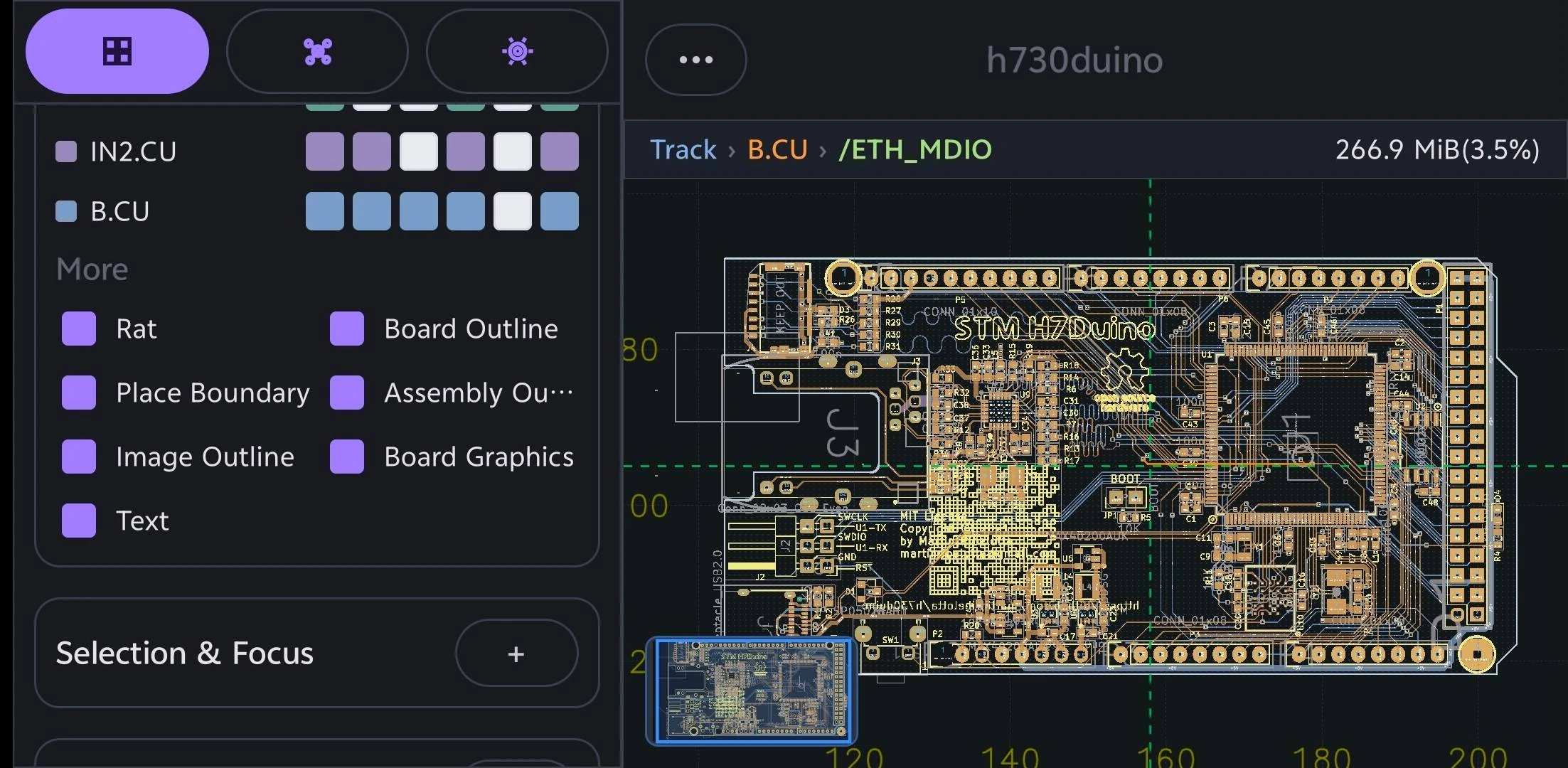
  • Improved viewer reliability across fresh surfaces, device rotation, prewarming, selection, and display filters.
  • Moved net-label visibility into Settings, with changes applied live in the viewer.
  • Improved 3D diagnostics and revision recovery.

1.0.5 (12)

  • Improved Settings search to include more settings, page links, and action buttons.
  • Added search support for the current interface language across all supported locales.
  • Reduced the Settings search field height to match the Highlight & Objects panel.
  • Fixed an ODB++ board display issue.
  • Clear temporary highlights when returning to the library so old selections do not appear when reopening a board.

1.0.4 (11)

  • Improved 2D viewer rendering, status information, and interactions.
  • Improved import and viewing performance for large boards and ODB++ packages.
  • Strengthened website APK packaging, signing, and security audits.
  • Removed Google Play Billing runtime components from website builds.

Earlier releases

  • Continued improvements to PCB, schematic, 3D, Workbench, Data, AI, and manufacturing export workflows.
  • Continued alignment with the iOS and macOS PCBAtlas interface, terminology, and behavior.