Mobile viewing first
The Android release is for people who need to open PCB data on a phone or tablet for engineering review, field communication, manufacturing checks, and issue discussion.
Android PCB viewer
Download the official PCBAtlas Android APK. View KiCad, ODB++, IPC-2581 and recognized Gerber/Drill packages locally on your phone or tablet.
APK bytes are issued through the website download gate; verification files are public so you can check the build source.
Android PCB viewer
Use an Android phone or tablet for field checks, revision confirmation, and manufacturing conversations away from the desk.
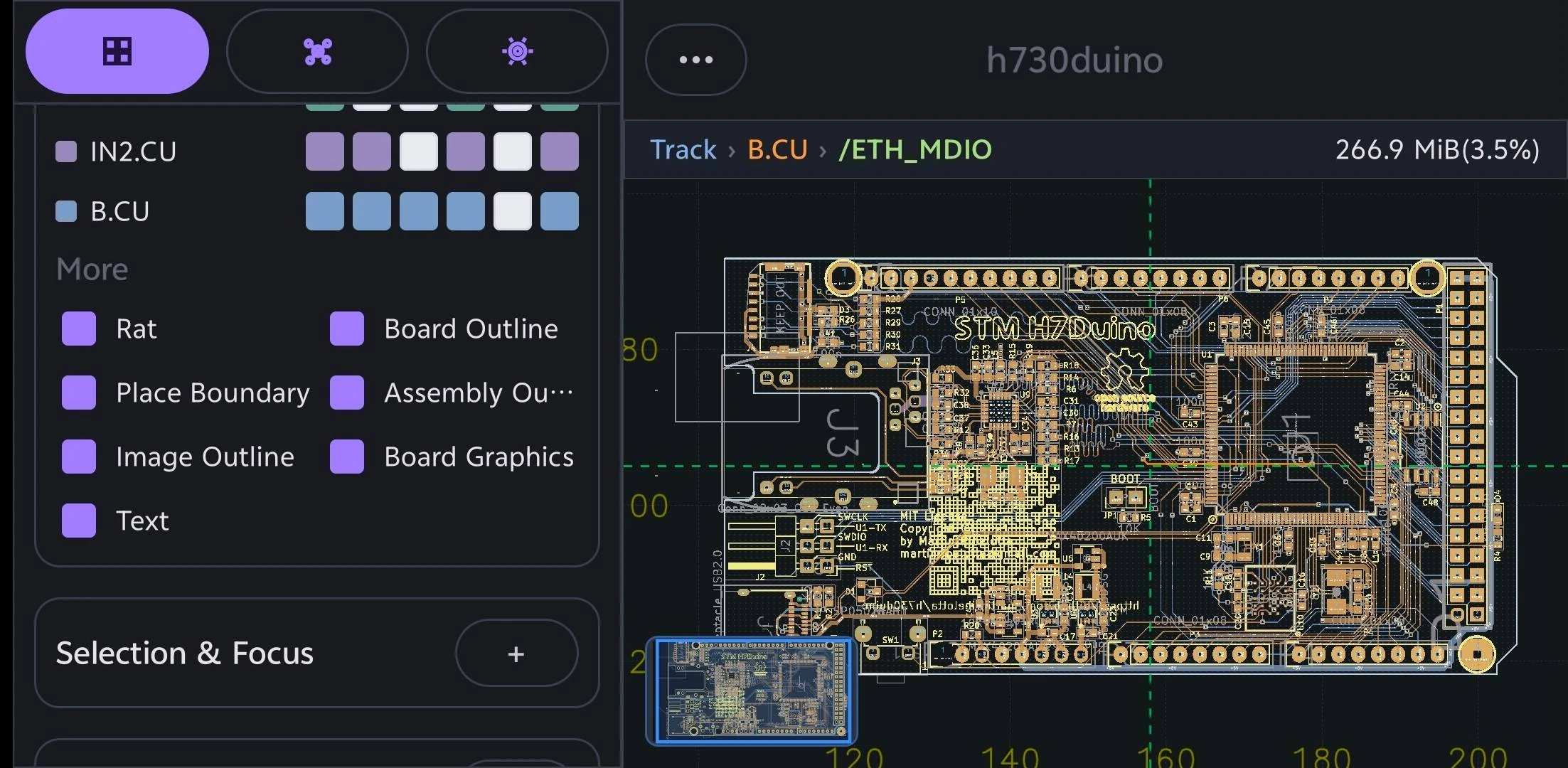
The Android release is for people who need to open PCB data on a phone or tablet for engineering review, field communication, manufacturing checks, and issue discussion.
PCBAtlas import paths cover KiCad, DSN, ODB++, IPC-2581 XML, and recognized manufacturing package folders.
PCBAtlas is not a PCB layout editor. It is positioned for viewing, organization, inspection, review, and delivery.
Choose a platform overview for iOS, Android, or Mac, or go directly to a KiCad, ODB++, IPC-2581, or Gerber mobile viewer guide.
Review native KiCad projects, schematics, and PCB files locally on Android with PCBAtlas.
Open and review ODB++ PCB manufacturing archives and directories locally on Android.
Open and review IPC-2581 XML board data locally on an Android phone or tablet.
Review recognized Gerber and Drill PCB manufacturing packages locally on Android.
3a9583418d6dd99df12f529c9c5c04822a3fdb34bf2ffeda696fc41677e810b85709EC9A7CF57AE2649056F2144FBDA7AA2B37024D7801E550F9A219047B51E1Release history
Notable user-visible changes in every PCBAtlas Android release.