Install and launch
Supported platforms
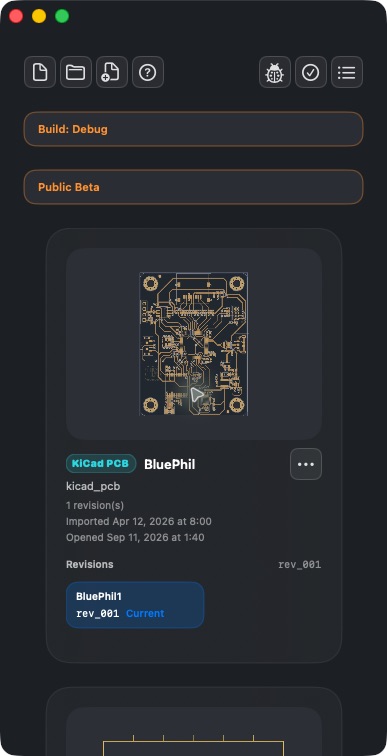
Apple builds: macOS 14+, iOS / iPadOS 17+. Screenshots in this page are from macOS. Narrow-shell screenshots show window layout, not an iPhone device.
Intended audience
People using PCBAtlas for the first time.
Prerequisites
Install PCBAtlas from the channel for your platform.
Steps
- On Apple devices, use the App Store. On Android, use the official APK.
- Launch the app and enter the library. An existing library shows previously saved documents.
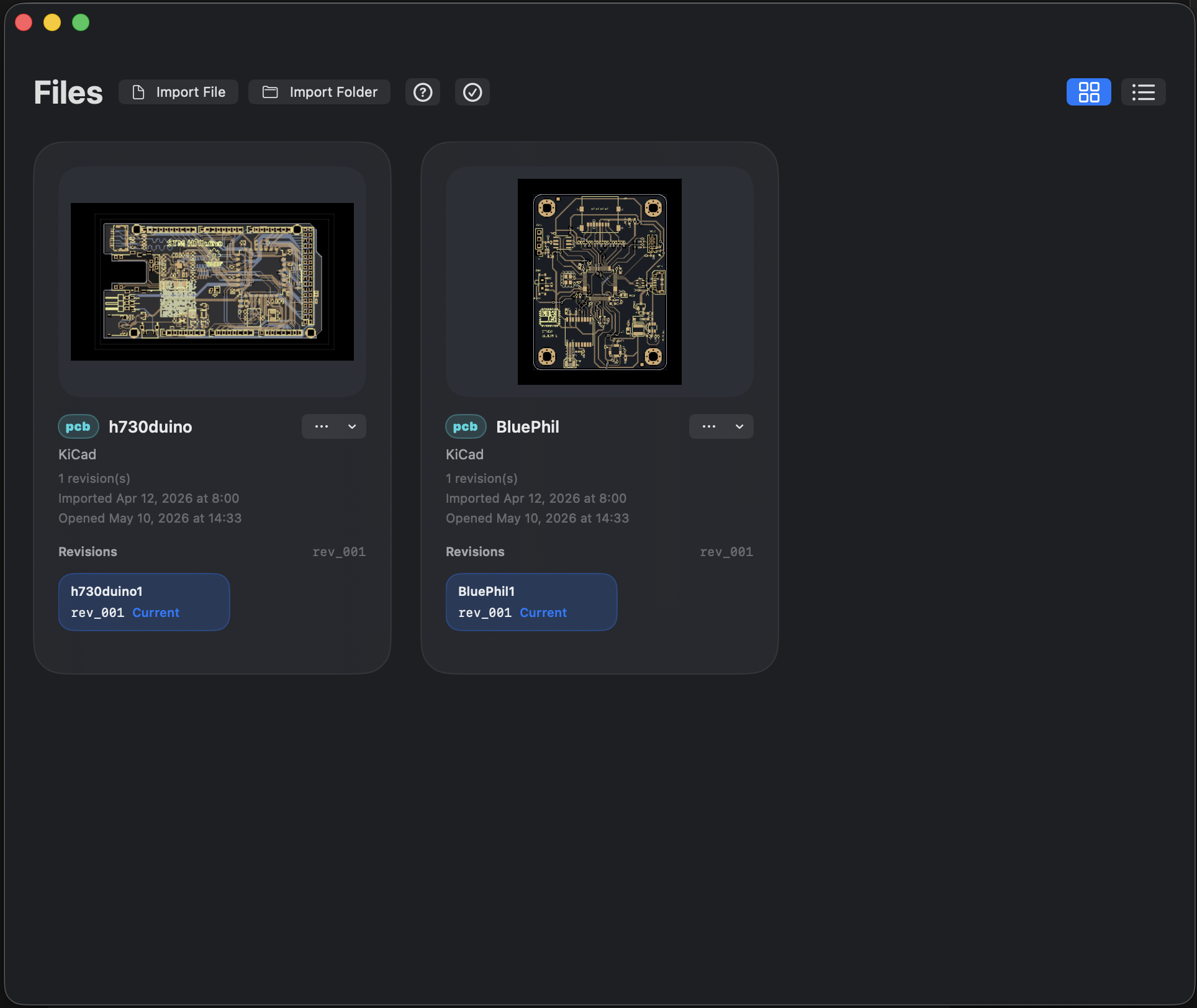
- Use the grid / list button in the upper right to switch browsing layout; tap a document thumbnail to open it.
- If nothing is available yet, import from the file buttons at the top. See First import.
This handbook pass verified the Apple build. Android has a separate implementation; do not judge Android buttons or capabilities from macOS screenshots alone.
Result
You can open the library, switch browsing layout, and open a document.
FAQ
What does Debug / Public Beta in the screenshots mean?
That is the label of this local build. Store releases may not show it. It does not mean every user is in public beta, and it is not a way to judge store purchase entitlements.
What if there are no samples after launch?
First check whether the library already has records. Import your own files; do not clear the library just to restore samples.
Last verified
2026-09-11: hands-on on the macOS 1.1.2 local build; other platforms were not retested on device in this pass.